
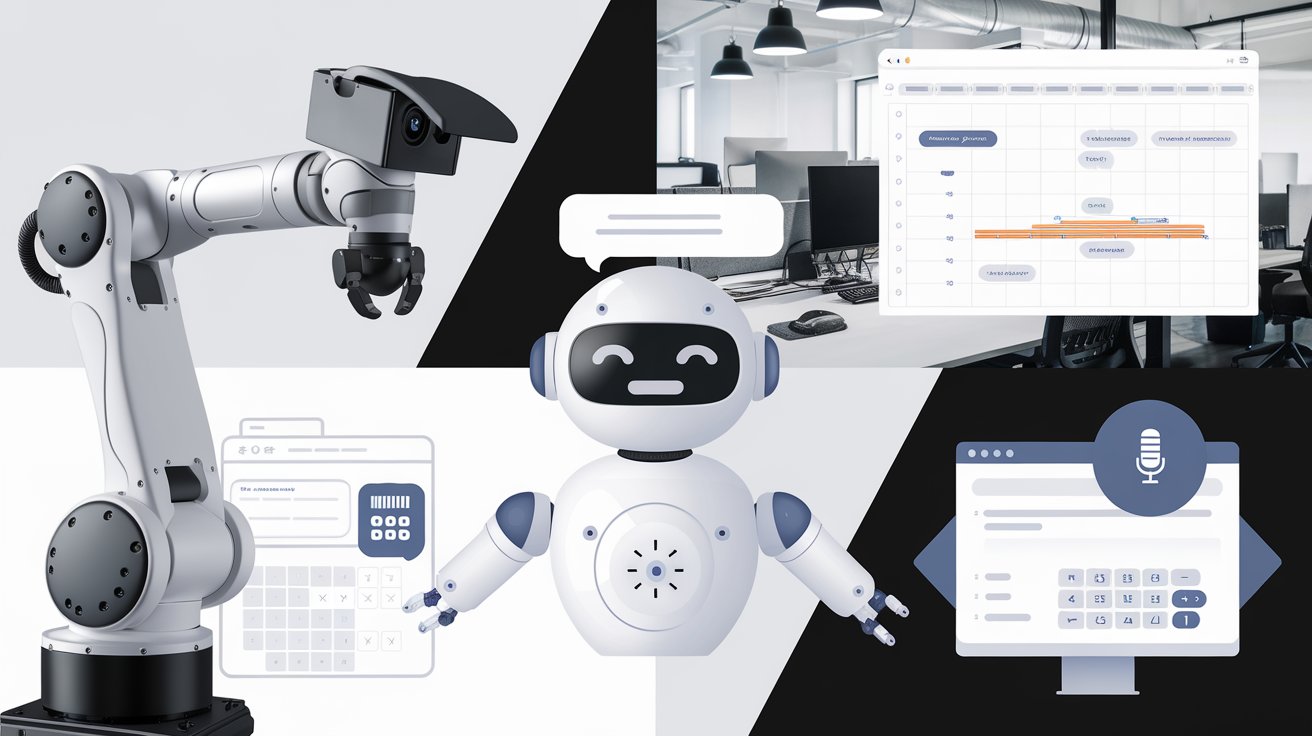
AI automation tools fall into three layers: AI assistants that think and write (ChatGPT, Claude, Gemini), automation platforms that move data between your apps on a trigger (n8n, Make, Zapier), and AI features built into tools you already pay for (your CRM, help desk, email and meeting software). Most small businesses get the best results by starting with the third layer, adding an automation platform for one repetitive workflow, and only then building something custom. This guide explains what each layer is good for, which tools to look at, and how to pick your first automation.
Updated November 2026. Tools and plans change quickly, so check current features and pricing on each vendor’s site before you commit.
Layer 1: AI assistants (the “brain”)
General AI assistants such as ChatGPT, Claude and Gemini draft emails and proposals, summarize documents, analyze spreadsheets and answer questions. On their own they are manual: a person opens the app, pastes something in and copies the result out. That’s still a big time saver, and it’s the right place to work out a task before automating it.
- Good for: writing, summarizing, research, one-off analysis, drafting the prompts and rules you’ll later automate.
- Watch out for: customer or employee data pasted into personal accounts. Use a business plan with data controls, and decide what may and may not be pasted in.
Layer 2: Automation platforms (the “plumbing”)
Automation platforms run a workflow when something happens: a form is submitted, an email arrives, a call is booked. Each step can call an AI model, so “summarize this, classify it, then update the CRM” happens without anyone touching it.
| Tool | Best for | Keep in mind |
|---|---|---|
| Zapier | The quickest start and the widest range of app connections | Costs grow with the number of tasks you run |
| Make | Visual multi-step workflows with branching | More to learn than Zapier |
| n8n | Complex or AI-heavy workflows, and teams that want to self-host | Most technical of the three; self-hosting means you maintain it |
We use n8n ourselves. When someone books an audit call with us, an n8n workflow sends us an instant alert, logs the lead and where it came from in a spreadsheet, tags the contact in our email tool and schedules reminders. No one copies anything by hand, and we know which video or article every booking came from.
Layer 3: AI built into the tools you already use
Before buying anything new, check what your current software already does. Most CRMs, help desks, email platforms, meeting tools and office suites now include AI features: call and meeting summaries, suggested replies, ticket tagging, writing help and basic chatbots. They’re the lowest-effort win because the data is already there.
- Meetings: automatic transcripts, summaries and action items.
- Help desk and inbox: suggested replies, ticket categorization, simple self-service answers.
- CRM: lead summaries, follow-up drafts, data cleanup.
- Documents and spreadsheets: drafting, summarizing and formula help inside the editor.
Where AI automation pays off first
- Answering and qualifying website leads. An assistant that answers questions from your content and books good-fit leads works on demand you already have. See how AI chatbots qualify leads.
- Customer support triage. Repeat questions answered and everything else routed with the details collected. See AI customer support agents for small business.
- Lead and booking follow-up. Alerts, CRM updates, reminders and thank-you emails triggered automatically.
- Documents in, data out. Pulling fields from invoices, forms and applications into a spreadsheet or system.
- Internal questions. Staff get answers from your policies and manuals with the page cited. See private AI chatbots for company documents.
How to choose your first AI automation
- Write down one task your team repeats every week, with how long it takes.
- Do it with an AI assistant by hand a few times until the output is reliably good. Save the prompt.
- Check whether a tool you already pay for does it. If so, turn it on and stop there.
- If not, automate it with Zapier, Make or n8n, and keep a person approving anything that goes to a customer or touches money.
- Measure it for a month: time saved, response time or leads booked. Then pick the next task.
Mistakes to avoid
- Buying a tool before choosing a task. Start from the work, not the software.
- Letting AI send things unchecked to customers before you’ve reviewed enough of its output to trust it.
- Automating a messy process. If the steps aren’t clear to a person, they won’t be clear to an AI.
- Forgetting maintenance. Workflows break when an app changes, and AI answers go stale when your prices or policies change. Someone should own each automation.
Build it yourself or get help
Many of these automations are within reach of a curious owner or a technical team member. Our free video tutorials and companion guides walk through building AI agents, document assistants and lead scoring step by step. If you’d rather hand it off, read what an AI automation agency does and how to hire one, or look at our AI Client Assistant: trained on your website and documents, it answers customer questions, qualifies leads and books good-fit ones into your calendar, live in 21 days.