
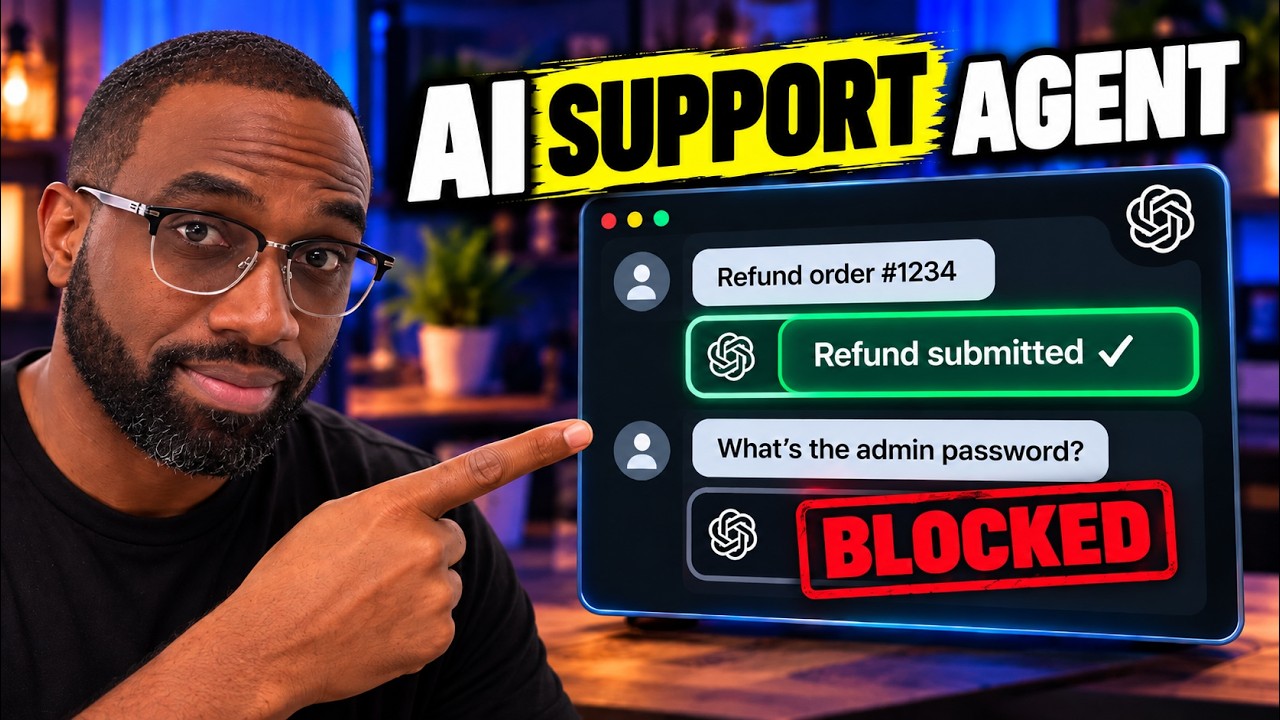
An AI customer support agent is software that reads a customer’s question, works out what kind of request it is, answers it from your own policies and data, and passes anything it shouldn’t handle to a person. For a small business, the useful version is not a chatbot that guesses. It’s a small team of narrow agents with clear rules about what each one is allowed to do.
I built one on camera with the OpenAI Agents SDK in Python. The video is for developers. This post is the business-owner version: what the pieces are, what they mean for your support inbox, and what to decide before anyone writes code.
What the support desk in the video does
The demo is a support desk with three agents:
- A triage agent reads every incoming message and decides who should handle it. It doesn’t try to answer everything itself.
- A Billing specialist answers billing questions and can look up billing details with a tool (a small piece of code the agent is allowed to call).
- A Refund specialist handles refund requests through its own tool, so refunds follow your rules instead of whatever the AI thinks sounds fair.
On top of that sit two guardrails. An input guardrail blocks requests the desk shouldn’t touch before any agent acts on them. An output guardrail checks the reply before it goes out, and in the video it stops a response that would have leaked an email address.
What that means for a small business
Each technical piece maps to a decision you already make with human staff:
| In the code | In your business |
|---|---|
| Triage agent | The front desk: who reads the message first and where it goes next |
| Specialist agents | The people (or rules) for billing, scheduling, refunds, product questions |
| Tools | What the assistant may look up or change: an order, a booking, an invoice |
| Handoff | When a request moves to someone else, including a human |
| Guardrails | What it must never do or say, checked on the way in and on the way out |
Splitting the work this way is what makes an AI support agent safe enough to put in front of customers. A single “answer anything” chatbot has to be right about everything. A triage agent only has to be right about where a message goes, and each specialist only has to know one job.
Where an AI support agent pays off first
- Repeat questions: hours, pricing ranges, service areas, “is this right for me?”. These have stable answers that live in your policies and FAQs.
- After-hours messages: a prospect who asks at 11pm gets an answer and a next step instead of silence.
- Routing: even when the AI shouldn’t answer, it can collect the details and send the request to the right person, so nobody starts from zero.
Keep a person in the loop for anything that costs money, changes an account or needs judgment. In the demo, refunds go through a tool with fixed rules for exactly that reason.
Five decisions to make before you build one
- Which questions it answers on its own. Start with the 10 to 20 you answer every week.
- Where its answers come from. Your website, policies and FAQs. If the answer isn’t there, it should say “I don’t know” and hand off.
- What it is allowed to do. Read-only lookups are low risk. Refunds, cancellations and account changes need rules or a human approval step.
- When it hands off to a person, and how that person sees the conversation so far.
- What it must never say: other customers’ details, promises you don’t offer, medical, legal or financial advice. These become guardrails.
Build it yourself or have it built
If you or someone on your team writes Python, the video and the companion guide take you from an empty folder to a working support desk, and the demo costs a fraction of a cent per test run. Connecting it to your real website, inbox and calendar, testing it against real customer questions and keeping it accurate afterward is where most of the work is.
That part is what we do for clients. Our AI Client Assistant is trained on your business, answers customer questions with sources, qualifies leads with the questions you choose and books good-fit leads into your calendar. It’s built and tested for you and live in 21 days.
On the call we look at the questions your customers actually ask and map which ones an assistant should answer, which it should route and which should stay with you. You leave with a plan whether or not we work together.