
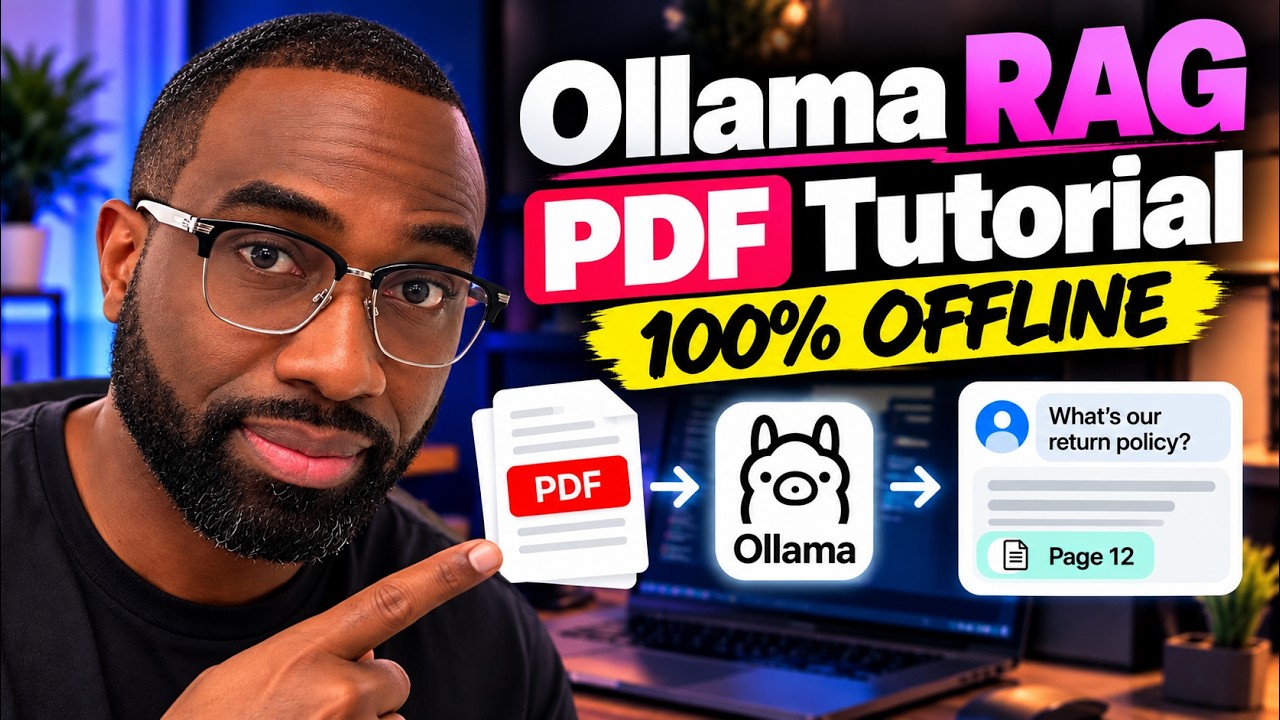
A private AI chatbot for your company documents answers questions from your own files, such as policies, manuals, contracts and price sheets, and shows which page each answer came from. “Private” means the documents and questions stay on a computer you control. Nothing is sent to an outside AI service.
I built one in a video that runs 100% offline on an ordinary laptop with Ollama, Python and ChromaDB. It’s my most-searched tutorial, and most of the people who watch it are developers. This post is for the business owner who wants to know whether it fits their company and what it takes.
How it works, in plain English
The technique is called RAG (retrieval-augmented generation). Instead of hoping an AI model memorized your business, you let it look things up in your documents first:
- Read the documents. The text is pulled out of each PDF page by page, so every passage remembers its page number.
- Index them by meaning. Each passage is turned into numbers that capture what it’s about (an “embedding”) and stored in a small local database. Long pages are split into overlapping chunks so nothing important is cut in half.
- Find the right passages. When someone asks “Where is the refund policy?”, the system finds the passages closest in meaning, even if they use different words.
- Answer with citations. A local AI model writes the answer using only those passages and lists the pages it used, so anyone can check it.
When a private, offline setup makes sense
- Sensitive documents: client files, contracts, HR policies or anything you aren’t comfortable uploading to a third-party AI service.
- Internal questions: staff asking “what’s our process for…?” and getting the answer with the page to check, instead of interrupting the one person who knows.
- Predictable cost: after the one-time model downloads there are no per-question API fees.
For a customer-facing assistant on your website, a cloud model is usually the better choice: it’s faster, handles more visitors and gives better answers. Your public website content isn’t private anyway. Many businesses end up with both: an offline assistant for internal documents and a hosted one for customers.
What it takes
The demo in the video needs Python 3.10 or newer, about 8 GB of RAM, about 5 GB of free disk and no GPU. It uses two free models, about 1 GB to download in total, and then works without internet. That’s enough to prove the idea on a few PDFs.
Turning the demo into something your team relies on takes more:
- A bigger answer model. The tiny model in the demo keeps it fast on any laptop. Real use needs a stronger model and usually a stronger machine.
- Clean documents. Scanned PDFs have no text to extract until they go through OCR. This is one of the two silent mistakes covered in the video.
- Keeping it current. When a policy changes, the index has to be updated, not just added to, or old answers stick around.
- Testing. Run it against the real questions your team asks and check the cited pages before anyone depends on it.
Want this on your own documents?
If you have someone technical, the video and companion guide are a complete starting point. If you’d rather have it built, we set up AI assistants trained on your business documents. They answer with sources and say “I don’t know” instead of guessing. The customer-facing version is our AI Client Assistant, which also qualifies leads and books calls. For a private internal assistant, tell us on the audit call and we’ll scope it with you.
Related: how an AI customer support agent works for a small business.